10 Best Card Access Control Systems for Businesses?
Choosing among the 10 best Card Access Control Systems for businesses starts with a practical question: who needs access, where, and at what times? A front-desk reader, a warehouse entrance, and a server-room door rarely need identical controls. The right system should fit those daily routines, not simply offer the longest feature list. It should also make credentials easy to issue, update, and revoke when staff roles change.
The risks deserve careful attention. IBM’s 2024 Cost of a Data Breach Report put the global average breach cost at $4.88 million. Verizon’s 2024 Data Breach Investigations Report found a human element in 68% of breaches it analyzed. These figures do not show that card systems prevent breaches; they do underline why organizations should examine both physical access and account security. A card reader alone is not a security plan. And cards can be lost.
This guide compares systems by deployment options, credential management, integrations, reporting, and ongoing costs. It also considers whether a product supports practical safeguards, such as promptly disabling a lost card and reviewing access events. These details matter when a delivery arrives before opening or a former employee’s badge still works. No single platform suits every business. The comparison is a starting point, not a substitute for testing requirements, checking vendor documentation, and confirming compatibility with existing doors and software.
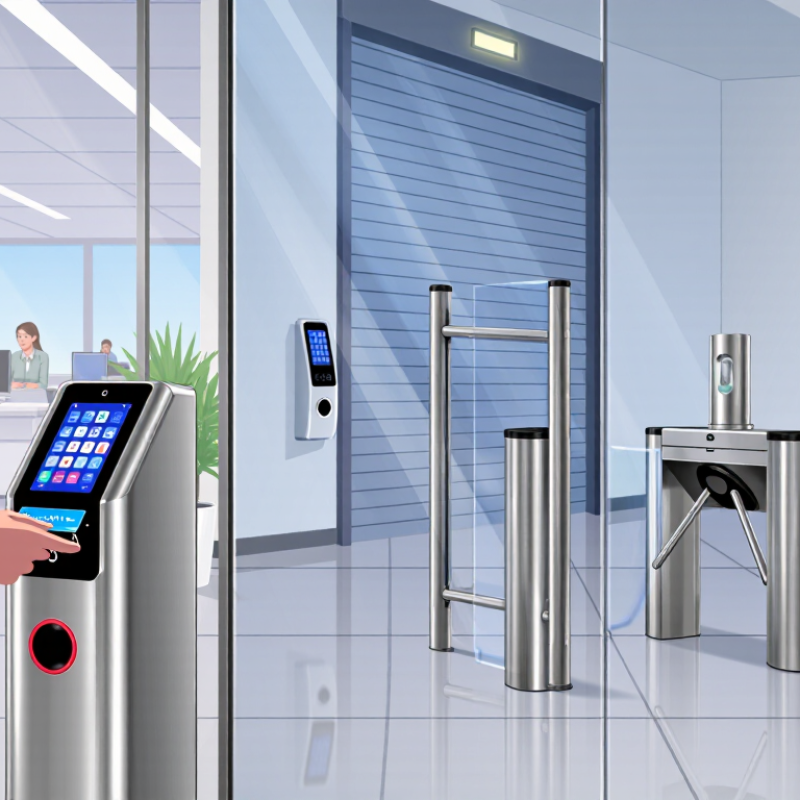
Understanding Card Access Control Systems for Businesses
10 Best Card Access Control Systems for Businesses?
Understanding Card Access Control Systems for Businesses
A card access control system checks a credential before unlocking a door. It can record entries, limit access by role, and help managers revoke lost cards quickly. A practical setup includes readers, door hardware, credential rules, and a clear process for reviewing access logs. The reader is only one part. A neglected permissions list can leave former staff or contractors with unnecessary access.
Security matters beyond the doorway. IBM’s 2024 Cost of a Data Breach Report put the global average breach cost at $4.88 million. Verizon’s 2024 Data Breach Investigations Report found a human element in 68% of breaches. These figures do not prove that card systems prevent breaches; they show why access procedures and staff habits deserve attention. A card tap may feel secure, but shared cards and unchecked visitor access weaken the picture.
Tips: Test what happens when a card is lost, an employee changes roles, or power fails. Ask who reviews entry logs, and how often. Match reader placement to the real building: a side entrance beside a loading bay may need different rules than a reception door. Keep a simple fallback plan. It may need revision after the first busy week.
Understanding Card Access Control Systems for Businesses
Card access systems can use credentials operating at different radio frequencies. The chart compares commonly encountered low-frequency proximity credentials, 13.56 MHz contactless credentials, and the regional UHF RFID band. The UHF value shown is the midpoint of the 860–960 MHz band, not a universal operating frequency. Frequency alone does not determine security, read range, or suitability for a business.
Reference standards: ISO/IEC 14443 (13.56 MHz contactless cards) and ISO/IEC 18000-63 (UHF RFID, 860–960 MHz).
How Business Access Systems Are Evaluated
How Business Access Systems Are Evaluated
A useful evaluation starts with the doors people actually use. Review how cards are issued, replaced, and disabled when an employee leaves. Test a busy entrance during shift changes, not just an empty hallway. Does the reader respond quickly? Can staff enter if a network connection drops? These details matter more than a polished demonstration.
Next, examine permissions and records. A sound system should let administrators assign access by role, location, and schedule without creating needless complexity. Check whether its logs show who entered, where, and when, and whether authorized staff can find those records easily. Ask how data is protected and retained. Clear answers build confidence. Vague promises do not.
Reliability includes the installation, ongoing support, and total cost—not only the card reader. Consider wiring, software updates, replacement cards, training, and compatibility with existing doors. Get a realistic estimate for maintenance. Then test common edge cases, such as a lost card or a changed work schedule. Test it. A neat checklist still cannot predict every awkward moment at a real entrance, so gather feedback from the people who use the system daily and revisit assumptions after installation.
Ten Card Access Control Systems Compared
Comparing ten card access control systems means looking beyond the reader on the wall.
A standalone unit can suit one office door, while a networked system lets managers change permissions across several locations. Cloud-managed options support remote administration; on-premises systems keep management within a company’s own infrastructure. Each approach has trade-offs. Remote access is convenient, but it depends on reliable connectivity and careful account management.
Other configurations address different needs. Wireless locks can reduce cabling work, though battery checks become part of routine maintenance. Power-over-Ethernet readers simplify wiring where suitable network ports exist. Multi-door platforms centralize schedules and access records, while visitor-management integrations can issue temporary credentials. Mobile-and-card systems add flexibility, but not every employee wants to use a phone. Some systems pair cards with another verification method; that can add steps at busy entrances. Small sites differ.
A fair comparison should test daily tasks, not just feature lists. Can an administrator revoke a lost card quickly? Are door events easy to review, and can staff understand the interface without repeated training? Ask about backup procedures, update practices, support response times, and the cost of adding doors. A polished demo may hide awkward workflows. I would also check how the system behaves during a network outage, because that detail is easy to overlook.
Key Features, Costs, and Deployment Options
Comparing the 10 best card access control systems means looking beyond the reader on the wall. Check whether each option supports cards or mobile credentials, user schedules, detailed entry logs, and quick credential changes when a card is lost. Ask how doors behave during a network outage. A system that looks simple in a brochure may need extra controllers or wiring in an older building. That matters.
Costs vary. A realistic quote should separate readers, controllers, credentials, installation, software, and ongoing support. Cloud-managed systems can simplify updates across multiple sites, while on-premises setups offer more local control and may require in-house IT resources. Hybrid deployments can suit businesses with mixed needs, but they add coordination. Compare total costs over several years, not just the initial hardware price. Quotes are not always easy to compare; vendors may bundle different services.
Tips: Walk through a normal workday before choosing. Count doors, note busy entry points, and identify who needs access after hours. Request a site survey and a clear breakdown of recurring fees. Test a sample credential at the actual entrance, especially if the doorway has thick walls or heavy foot traffic. Verify compatibility with existing doors and safety systems before installation.
Choosing the Right System for Your Business
Choosing the right card access control system starts with the doors, people, and routines your business actually has. A small office with one entrance needs different features from a warehouse with shift changes and several restricted areas. Walk through a typical day and note who needs access, when they need it, and which doors require closer monitoring. Include cleaners, contractors, and temporary staff in that review. Details like these are easy to overlook.
Check how quickly administrators can issue and cancel credentials. A lost card should not require a technician’s visit or a long support call. Ask whether the system keeps clear entry records and lets you set access by role and schedule. Then test the reader at a busy entrance, not just in a quiet meeting room. That matters. Also consider what happens during a network or power outage, and whether existing doors and wiring can be reused. Compatibility can change the real cost.
Compare installation, maintenance, training, and future expansion—not only the initial quote. Ask who can view entry records, how long they are retained, and how the system protects them. A cloud-managed setup may suit a growing team, while an on-site system may fit a business with specific IT needs. Neither choice is automatically better. Be cautious of feature lists that sound impressive but solve no daily problem. A short pilot with a few doors can reveal awkward workflows before a full rollout.