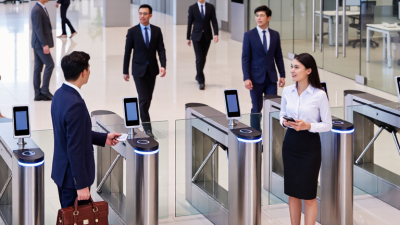
10 Best Door Access Control Systems for Businesses

A Door Access Control System does more than replace keys. It determines who can enter, which doors they can use, and when access should end. For a small office, that might mean assigning staff key cards and keeping a clear entry record. A larger site may need multiple doors, remote management, and connections to existing security tools. Small details matter. A reader that works well at the front entrance may not suit a loading bay or a shared workspace.

This guide compares 10 systems for businesses, with practical factors in view: credential options, ease of administration, scalability, integrations, support, and ongoing costs. Some platforms are cloud-managed; others rely on locally installed equipment. Neither approach is best for every organization. Consider how often permissions change, who will manage the system, and what happens if the network goes down. Also review data handling and confirm that your chosen setup meets applicable requirements in your location. Product features and pricing can change, so verify current details with each provider. A comparison can narrow the field, but it cannot test a reader during a Monday rush or reveal every support issue. That limitation is worth remembering.
10 Best Door Access Control Systems for Businesses

What Door Access Control Systems Are and How They Work

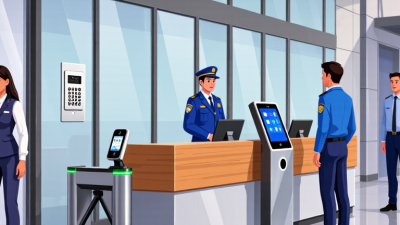
A door access control system decides who may enter a business space, at which door, and during what hours. Instead of relying only on metal keys, it uses credentials such as a card, PIN, mobile pass, or biometric scan. A reader beside the door checks the credential and sends its details to a controller. The controller compares them with the permissions on file, then signals an electric lock to open or stay secured. The whole check often takes only a second.

The system’s rules can be tailored to real work patterns. A staff member might enter the front office from 8 a.m. to 6 p.m., while a facilities employee has access to a storage room after hours. Administrators can add or remove permissions through management software, and many systems keep time-stamped entry records. Those records can help clarify who used a door and when, though they do not explain why someone entered. Useful distinction.

Some systems connect to a local network or cloud service; others keep operating when the network drops. That difference matters in buildings with unreliable connectivity. A practical assessment should consider door hardware, power backup, staff routines, and what happens during an outage. No setup is perfect. A lost card may be disabled quickly, but forgotten credentials and poorly reviewed permissions still cause headaches. The technology helps manage entry; people must maintain the rules.

Key Components and Access Methods Used by Businesses

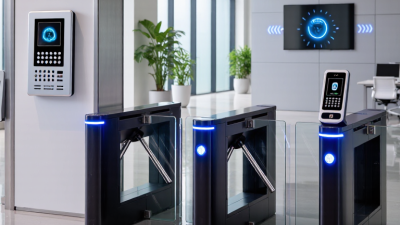
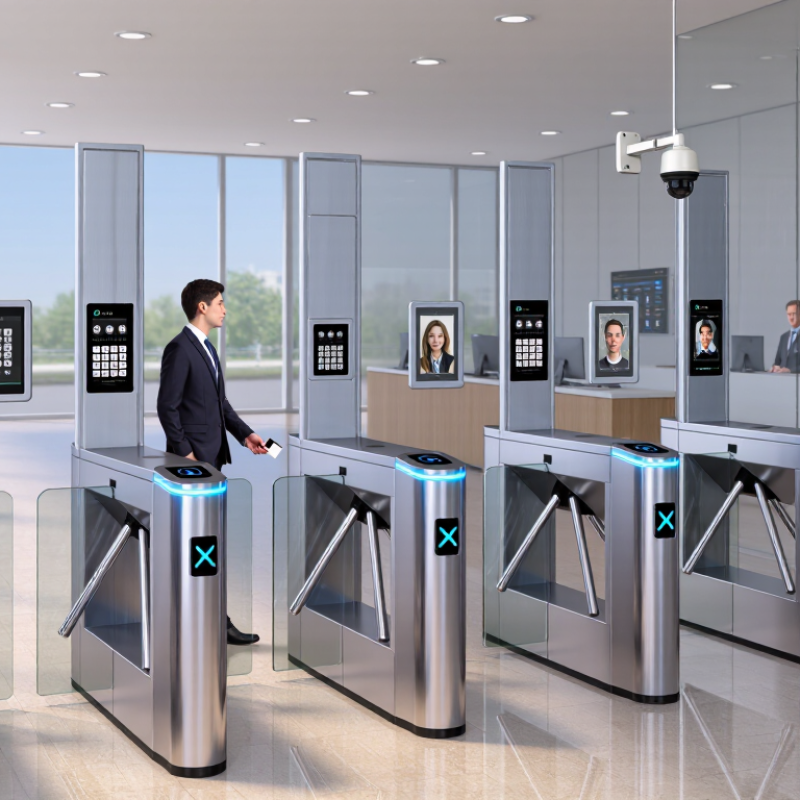
A business access-control system connects readers, credentials, door hardware, and management software. A card reader may sit beside the entrance, while an electric strike or magnetic lock controls the door. A central controller checks each request and records events, such as a staff member entering before opening time. Reliable power and backup arrangements matter too. Even a well-designed system can fail if a cable is loose or a door sensor is poorly aligned.

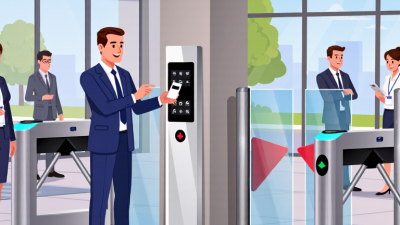
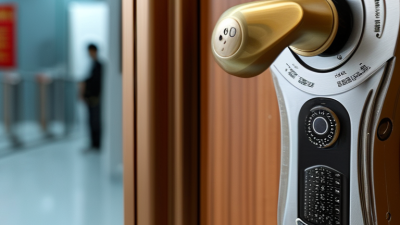
Access methods should match how people use the space. Key cards are quick to issue and replace, but misplaced cards need prompt deactivation. PIN pads work without physical credentials, though shared or easily guessed codes weaken accountability. Mobile credentials can reduce card handling, while biometric readers may suit tightly controlled areas; privacy, accessibility, and maintenance deserve careful review. A mix is often practical. Not every door needs the same method.

Plan around real routines, not just a floor plan. Reception staff may need temporary visitor access, while a server room may require a smaller authorized group and detailed entry records. Set clear procedures for lost credentials, staff departures, and emergency entry. Test doors during busy periods, not only during installation. One overlooked issue: people sometimes hold doors open for colleagues. Technology cannot fully replace thoughtful procedures and periodic checks.

Criteria for Comparing Business Access Control Systems

A useful comparison starts with the doors people actually use: the staff entrance at 7 a.m., the loading bay during deliveries, and the server room after hours. Check whether each system supports role-based permissions, temporary credentials, and quick access changes when employees move teams. These details matter. Verizon’s 2024 Data Breach Investigations Report found that 68% of breaches involved a non-malicious human element, such as mistakes or social engineering. That figure is not specific to door systems, but it underlines why clear permissions and simple administration deserve close attention.

Compare audit trails, too. Can managers see who entered, which door they used, and whether access was denied? Test how quickly the system reports a forced door or a reader outage. IBM’s 2024 Cost of a Data Breach Report put the global average breach cost at $4.88 million; access control alone cannot prevent a breach, but dependable logs can help investigations. Check integration with existing cameras and alarms, along with encryption, backup procedures, and support response times. Ask for a live demonstration using your own entry scenarios. A polished dashboard can still hide awkward workflows. And installation costs are not the whole story: include maintenance, credential replacement, and staff training in the comparison. No scorecard is perfect. Consider whether its weights reflect your building, not just a vendor’s checklist.

10 Leading Door Access Control Systems for Businesses

Choosing among 10 leading door access control systems for businesses starts with the doors people actually use. A glass lobby entrance needs different hardware from a loading-bay door exposed to dust and weather. Look for clear permissions, quick credential removal, reliable outage behavior, and audit records that show who entered and when. The details matter.

The Verizon 2024 Data Breach Investigations Report found that 68% of breaches involved a non-malicious human element. This is not a measure of door-system failures, but it highlights why simple procedures matter: staff need clear instructions for lost cards, visitor access, and propped-open doors. IBM’s 2024 Cost of a Data Breach Report put the global average breach cost at $4.88 million. That figure covers data breaches broadly, not access-control incidents alone.

Compare systems by testing real workflows, not just dashboards. Can a manager revoke a credential in minutes? Do logs remain available during a network outage? Check how the system connects with alarms and existing cameras, and confirm that staff can review events without specialist help. Test it monthly. A polished interface cannot prevent someone from holding a secure door open for a delivery; that ordinary failure deserves more attention than it often gets.

Common Door Access Credential Frequencies

Typical radio frequencies used by RFID and NFC credentials in business access control. UHF frequency allocations vary by region; 915 MHz is a representative example, not a universal setting.

Frequency alone does not determine a system’s security or suitability. Credential compatibility and security depend on the reader, credential, and access-control configuration.

Planning, Installing, and Managing a Business Access Control System

Planning a business access control system begins with people and routines, not hardware. Map each entrance, from the front lobby to the stockroom, and note who needs access and when. Decide how visitors, contractors, and former employees will be handled. A small office may need only a few controlled doors; a warehouse may need separate schedules for loading areas. No plan survives every staffing change, so leave room to adjust permissions.

During installation, test doors during normal business hours and after closing. Check that readers, locks, exit devices, and backup power work together. Keep an emergency exit usable, and ask a qualified installer to assess door and wiring conditions before work begins. Then assign an administrator and document how access is added, changed, or removed. Review access records periodically, but protect them from unnecessary viewing. The process can feel tedious. It matters.

Tips: Give each worker an individual credential instead of sharing codes. Set access by role and schedule, then test it with real users before launch. Keep a simple record of changes. If a door fails or a permission is unclear, pause and investigate rather than assuming the system is correct.

10 Best Door Access Control Systems for Businesses — Planning, Installing, and Managing a Business Access Control System

System Type Best Fit Common Credentials Management Approach Installation Considerations Key Trade-Off
Cloud-managed wired access control Businesses that need centralized control across multiple doors or locations Cards, fobs, PINs, and—in supported systems—mobile credentials Administrators manage users, permissions, and event records through a hosted dashboard Typically requires door hardware, a controller, network connectivity, and suitable cabling Convenient remote administration; internet or service interruptions may limit some remote functions
On-premises server-based access control Organizations that want local control of the management server and system data Cards, fobs, PINs, and compatible mobile credentials Managed through software hosted on a local server or workstation Requires server planning, software maintenance, network configuration, and backup procedures Local data control; the business is responsible for server upkeep and disaster recovery
Wireless electronic lock system Existing buildings where running new cabling to every door is difficult Cards, fobs, PINs, or mobile credentials, depending on the lock Locks communicate with a gateway or management network; some models store permissions locally Check door and lock compatibility, radio coverage, and battery-replacement requirements Can reduce cabling work; batteries and wireless coverage need ongoing attention
Standalone keypad access control Small offices, storage rooms, and other low-traffic spaces with limited access needs PIN codes; some units also support cards or fobs Codes are usually added or changed at the device itself Confirm power, lock compatibility, weather rating for exterior doors, and emergency egress Simple and often inexpensive to deploy; limited central oversight and audit reporting
Card-and-reader system Offices that need a familiar, fast method for managing staff entry Proximity cards, smart cards, or fobs supported by the installed readers Credentials are assigned or revoked through the connected access control platform Reader and credential technologies must be compatible; lost credentials should be deactivated promptly Easy for users to understand; cards and fobs can be lost, shared, or forgotten
Mobile-credential access control Teams that prefer to use phones instead of issuing physical cards Mobile credentials using supported Bluetooth, NFC, or other reader technology Administrators issue and revoke credentials through the system’s management software Verify device compatibility, reader support, phone access procedures, and a fallback entry method Can simplify credential distribution; users still need a working, compatible device
Biometric access control Restricted areas where identity verification is a priority and policy permits its use Fingerprint, facial, or other supported biometric template, often with a secondary credential Enrollment, permissions, and audit records are managed by the access control system Assess privacy rules, employee notice and consent requirements, lighting or sensor conditions, and alternatives Links access to a physical trait; privacy, accuracy, and accessibility need careful consideration
Intercom-integrated door access Reception areas, apartment-style workplaces, and entrances that receive visitors Staff credentials plus visitor release through an intercom or authorized remote control Staff can verify visitors and grant entry from a station or supported application Plan for door hardware, audio or video coverage, network connection, and visitor procedures Supports visitor screening; staff availability and clear verification practices remain important
Visitor-management-integrated access Businesses that regularly host contractors, clients, or other temporary visitors Temporary cards, PINs, QR-based passes, or staff-issued credentials, depending on the setup Visitor registration can be connected to access permissions and scheduled visit windows Define visitor approval, identity-checking, escort, expiration, and record-retention procedures Improves coordination of temporary access; visitor data requires appropriate privacy controls
Hybrid access control system Businesses combining wired high-security doors with wireless or standalone doors A mix of cards, fobs, PINs, mobile credentials, and other supported methods Central software manages compatible devices while some locks may retain local permissions Confirm that controllers, readers, locks, and software integrate; document behavior during outages Flexible for varied buildings; planning and support can be more complex than a single-format system
Go to Top